🧾 How to Claim the NOMINDAYS Discount on FunderPro
Add NOMINDAYS at checkout on any Classic Challenge and get the No Minimum Trading Days add-on for FREE.
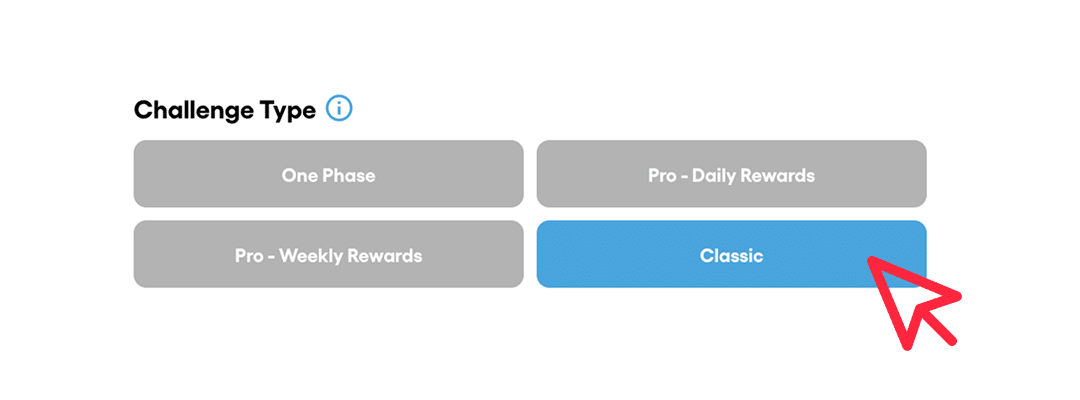
✅ Step 1: Choose a Classic Challenge
Go to the FunderPro Challenge page and make sure you select a Classic Challenge (choose your preferred account size).
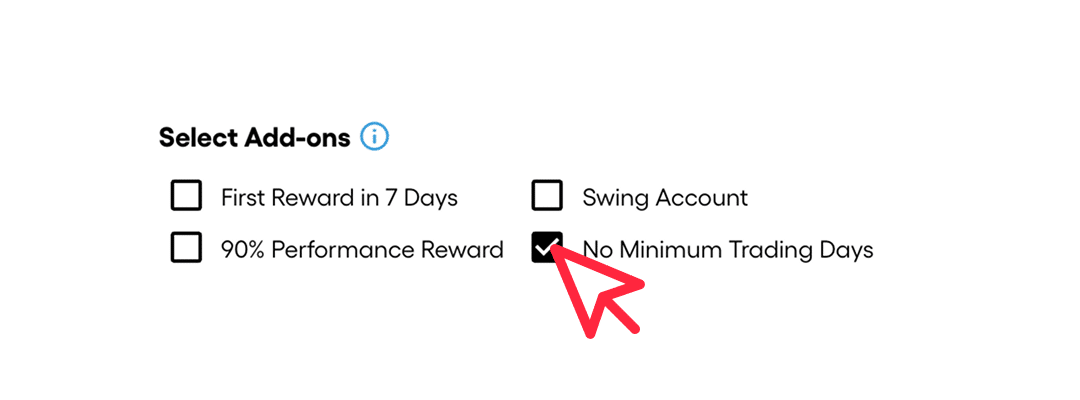
⚙️ Step 2: Select the “No Minimum Trading Days” Add-on (Recommended)
Before checkout, you’ll see optional add-ons.
Even though the coupon can apply the free add-on by itself, it’s better to select the Classic Challenge and the “No Minimum Trading Days” add-on first — this helps avoid any issues at checkout and ensures the discount applies cleanly.
🎟️ Step 3: Enter the Coupon Code
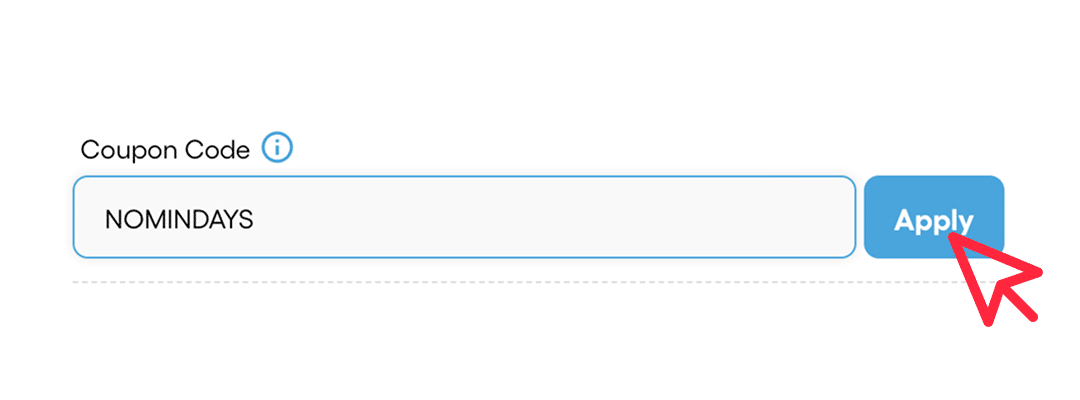
Now scroll to the checkout section and enter:
NOMINDAYS
If applied correctly, the No Minimum Trading Days add-on should become FREE.
💳 Step 4: Confirm & Complete Checkout
Before paying, confirm:
- The No Minimum Trading Days add-on price is discounted (free)
- Your final total looks correct
- Proceed with checkout
🎉 That’s It!
You’ve successfully activated the No Minimum Trading Days add-on for free using the NOMINDAYS coupon on a Classic Challenge.
👉 Click here: Use NOMINDAYS on a Classic Challenge
💡 Pro Tip
This promo is useful if you want to remove time-based minimum day requirements and trade with more flexibility. It can also be combined with other add-ons.